Siirry sisältöön
Softagram
  • Etusivu
  • Palvelut
    • Toiminnanohjaus
    • Tekoälypalvelut
    • Tietoturvapalvelut
  • Yritys
  • Ota yhteyttä
  • Uutiset ja oppaat
    • Uutiset
    • Oppaat
  • Tech
  • Kirjaudu sisään
  • Ota yhteyttä
Softagram
      • Etusivu
      • Palvelut
        • Toiminnanohjaus
        • Tekoälypalvelut
        • Tietoturvapalvelut
      • Yritys
      • Ota yhteyttä
      • Uutiset ja oppaat
        • Uutiset
        • Oppaat
      • Tech
    • Kirjaudu sisään
    • Ota yhteyttä

    How to create new project and setup integration

    Quick Guide
  • Kaikki blogit
  • Oppaat
  • How to create new project and setup integration
  • 15. elokuuta 2021 kirjoittanut
    How to create new project and setup integration
    Matti Mäki

    You can start create new project from scratch and setup all the credentials needed for a project.

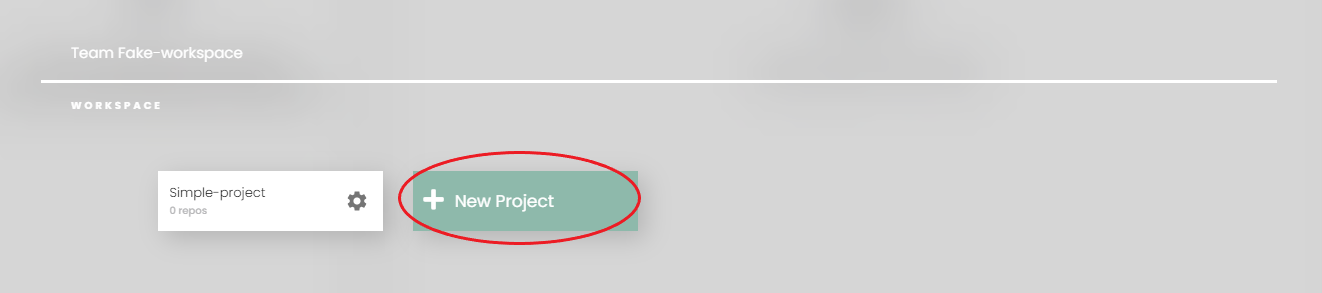
    1. Open switcher on top right corner to open list of teams and projects

    2. Choose 'Add new project' to open the prompt below
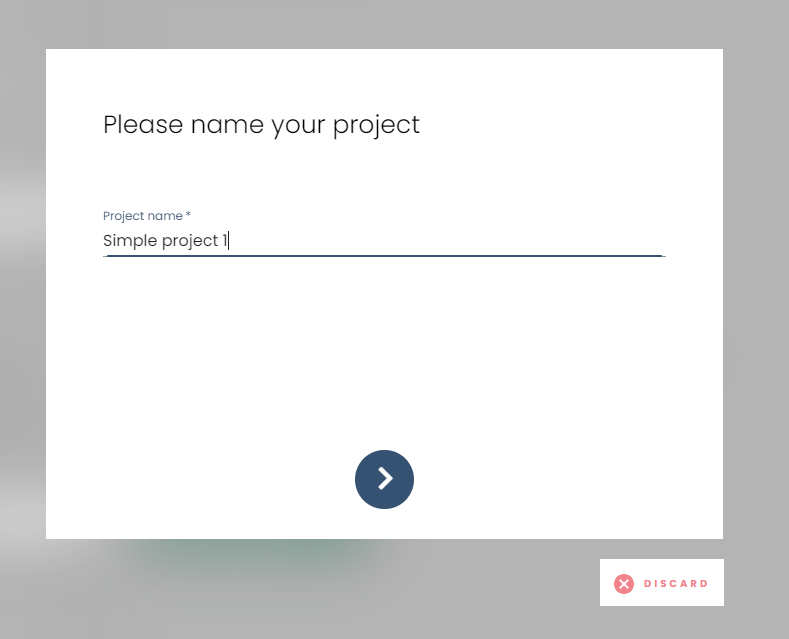
    Fill in name of new project and go to next step.

    3. Setup an integration or token to add repositories to newly created project
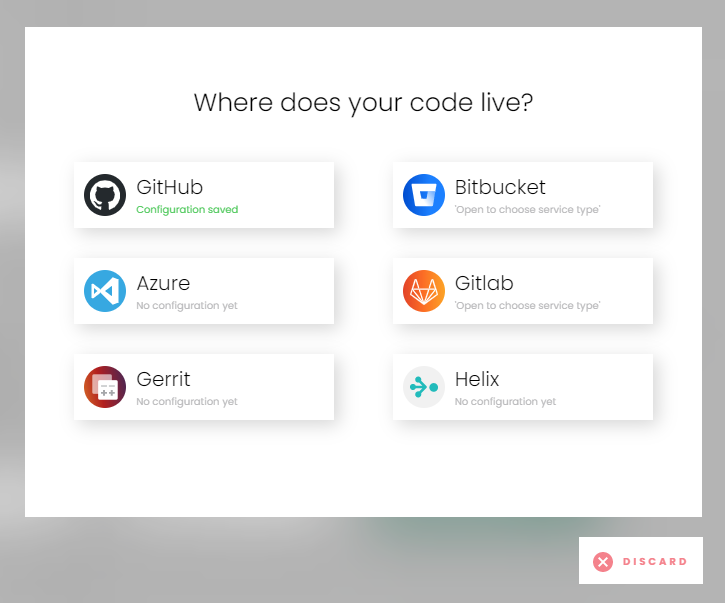
    Choose a service and it will lead you to settings form (if not yet set in team settings) or to a list of repositories fetched from server.

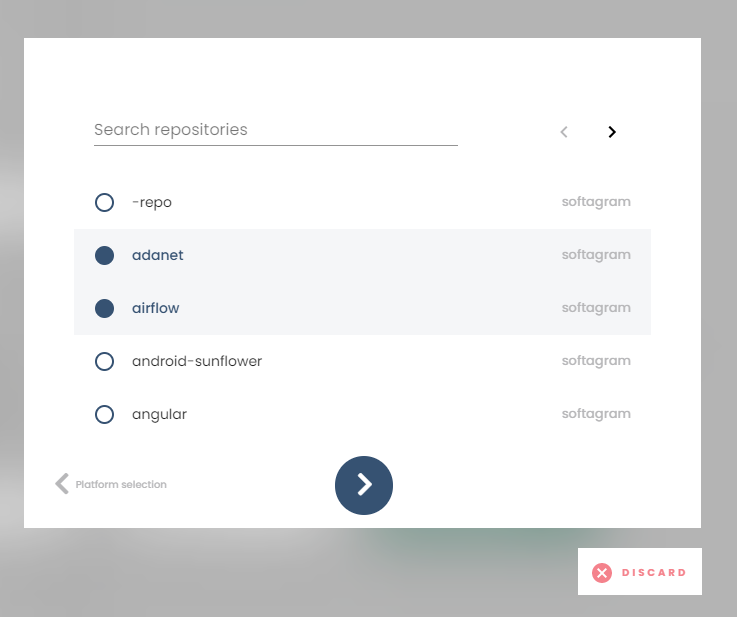
    Choose repositories to add to your project and go forward.
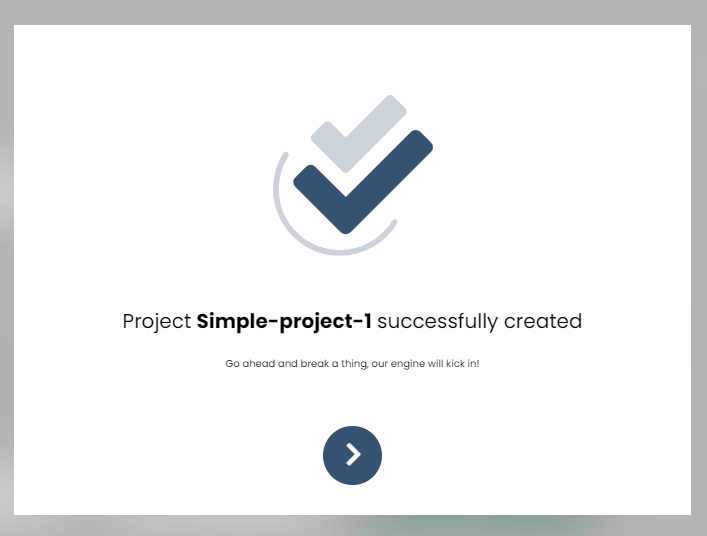
    Confirm that your project is created successfully
    Originally published at help.softagram.com

    in Oppaat
    # Softagram Analyzer

    Älyä toiminnanohjaukseen

    Olemme intohimoinen tiimi, jonka tavoitteena on parantaa kaikkien elämää mullistavien tuotteiden avulla. Kehitämme loistavia tuotteita liiketoimintasi ongelmien ratkaisemiseksi. Tuotteemme on suunniteltu pienille ja keskisuurille yrityksille, jotka haluavat optimoida suorituskykynsä.

    Ota yhteyttä

    Softagram Oy
    Ketolanperäntie 469 
    90450 ​Kempele 

    • +358504836173
    • info@softagram.com
    Seuraa meitä
    Copyright © Softagram Oy
    Järjestelmää pyörittää Odoo - Luo ilmainen verkkosivu