Skip to Content
Softagram
  • Home
  • Services
    • ERP
    • AI Services
    • Security
  • Company
  • Contact
  • Blog
    • News
    • Guides
  • Tech
  • Sign in
  • Contact Us
Softagram
      • Home
      • Services
        • ERP
        • AI Services
        • Security
      • Company
      • Contact
      • Blog
        • News
        • Guides
      • Tech
    • Sign in
    • Contact Us

    How to create new project and setup integration

    Quick Guide
  • All Blogs
  • Oppaat
  • How to create new project and setup integration
  • August 15, 2021 by
    How to create new project and setup integration
    Matti Mäki

    You can start create new project from scratch and setup all the credentials needed for a project.

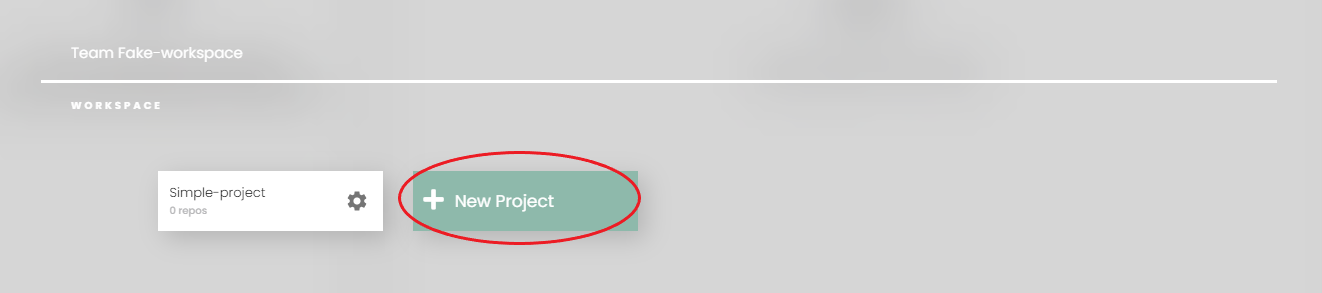
    1. Open switcher on top right corner to open list of teams and projects

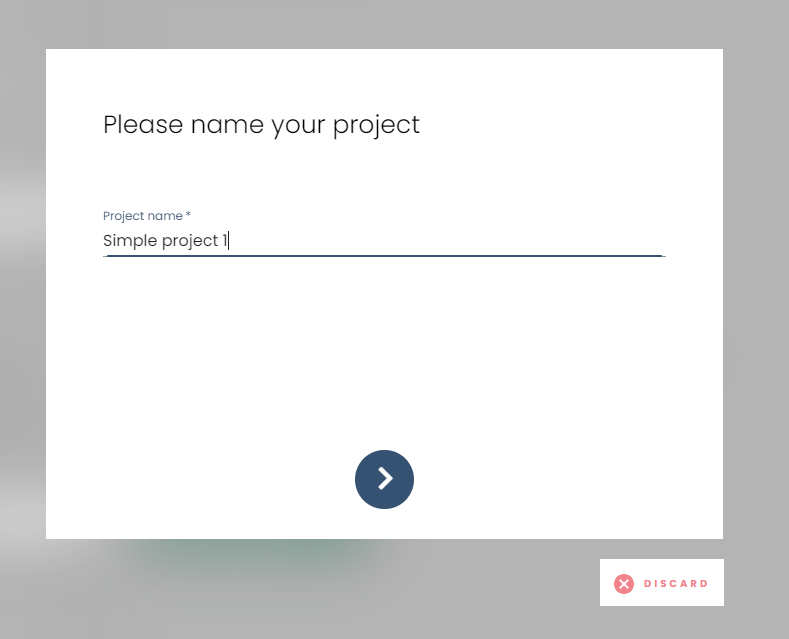
    2. Choose 'Add new project' to open the prompt below
    Fill in name of new project and go to next step.

    3. Setup an integration or token to add repositories to newly created project
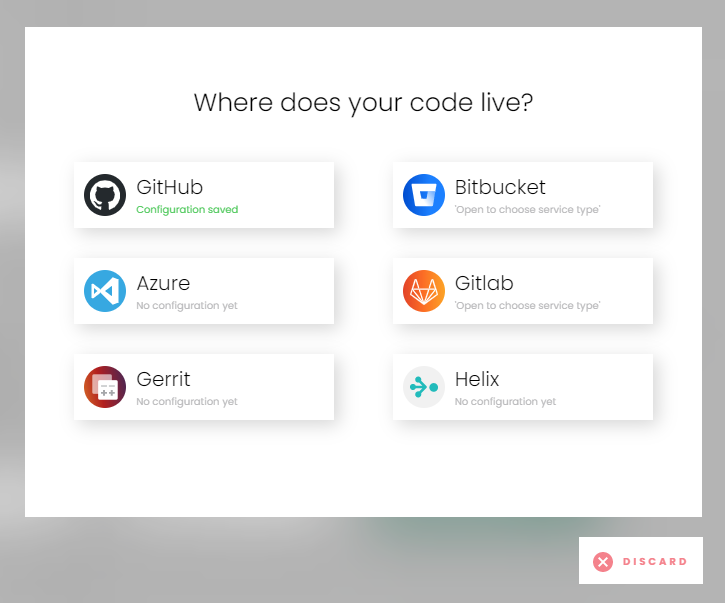
    Choose a service and it will lead you to settings form (if not yet set in team settings) or to a list of repositories fetched from server.

    Choose repositories to add to your project and go forward.
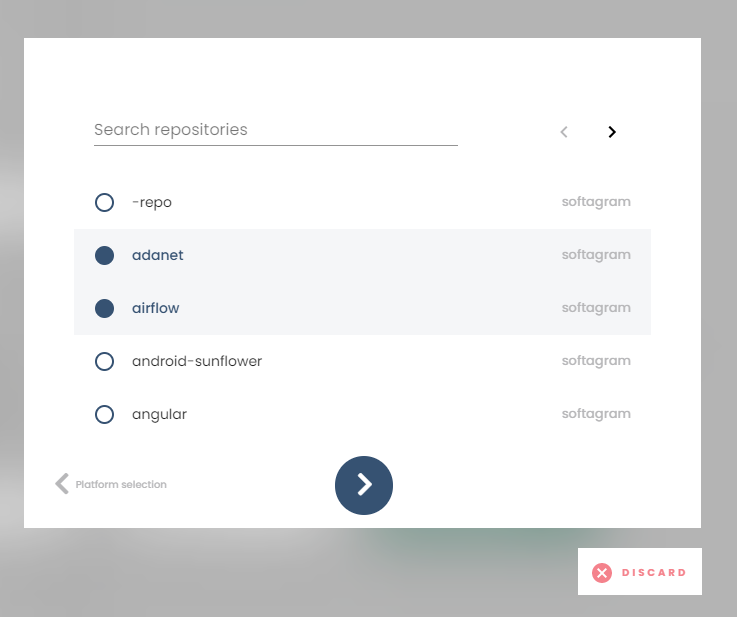
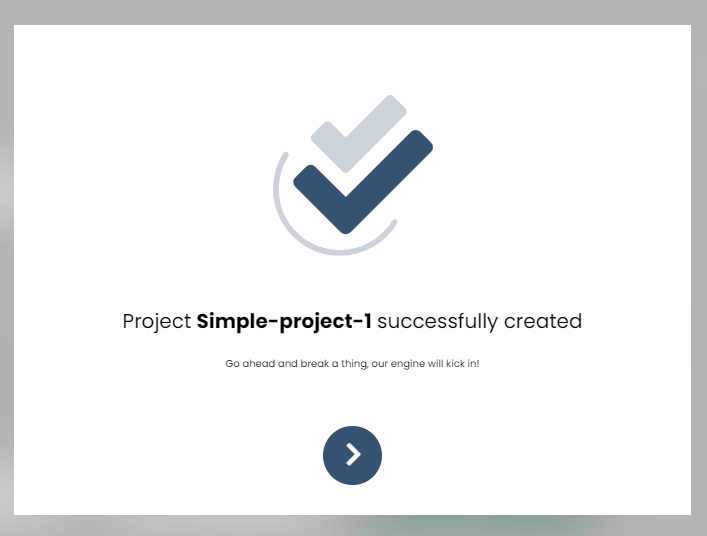
    Confirm that your project is created successfully
    Originally published at help.softagram.com

    in Oppaat
    # Softagram Analyzer

    Designed for companies

    We are a team of passionate people whose goal is to improve everyone's life through disruptive products. We build great products to solve your business problems. Our products are designed for small to medium size companies willing to optimize their performance.

    Ota yhteyttä

    Softagram Oy
    Ketolanperäntie 469 
    90450 ​Kempele 

    • +358504836173
    • info@softagram.com
    Follow us
    Copyright © Softagram Oy
    Powered by Odoo - Create a free website